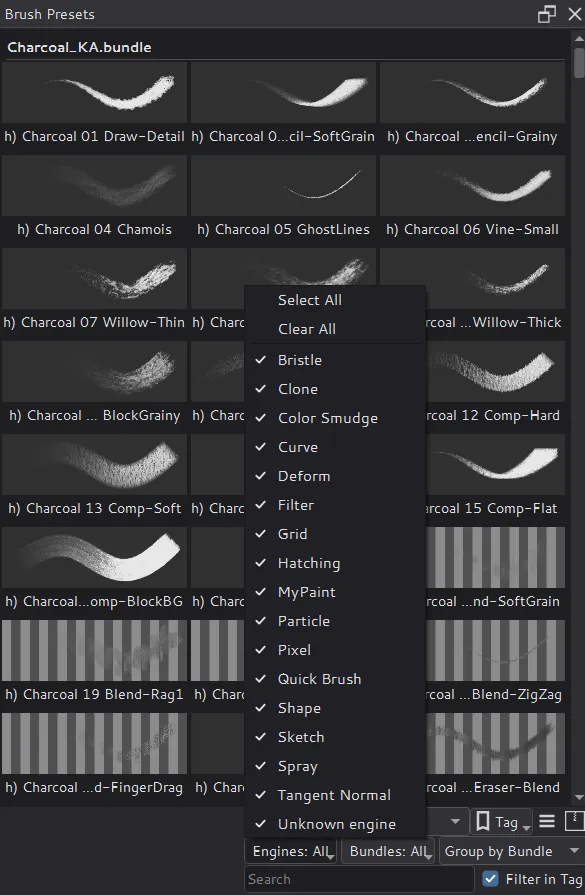
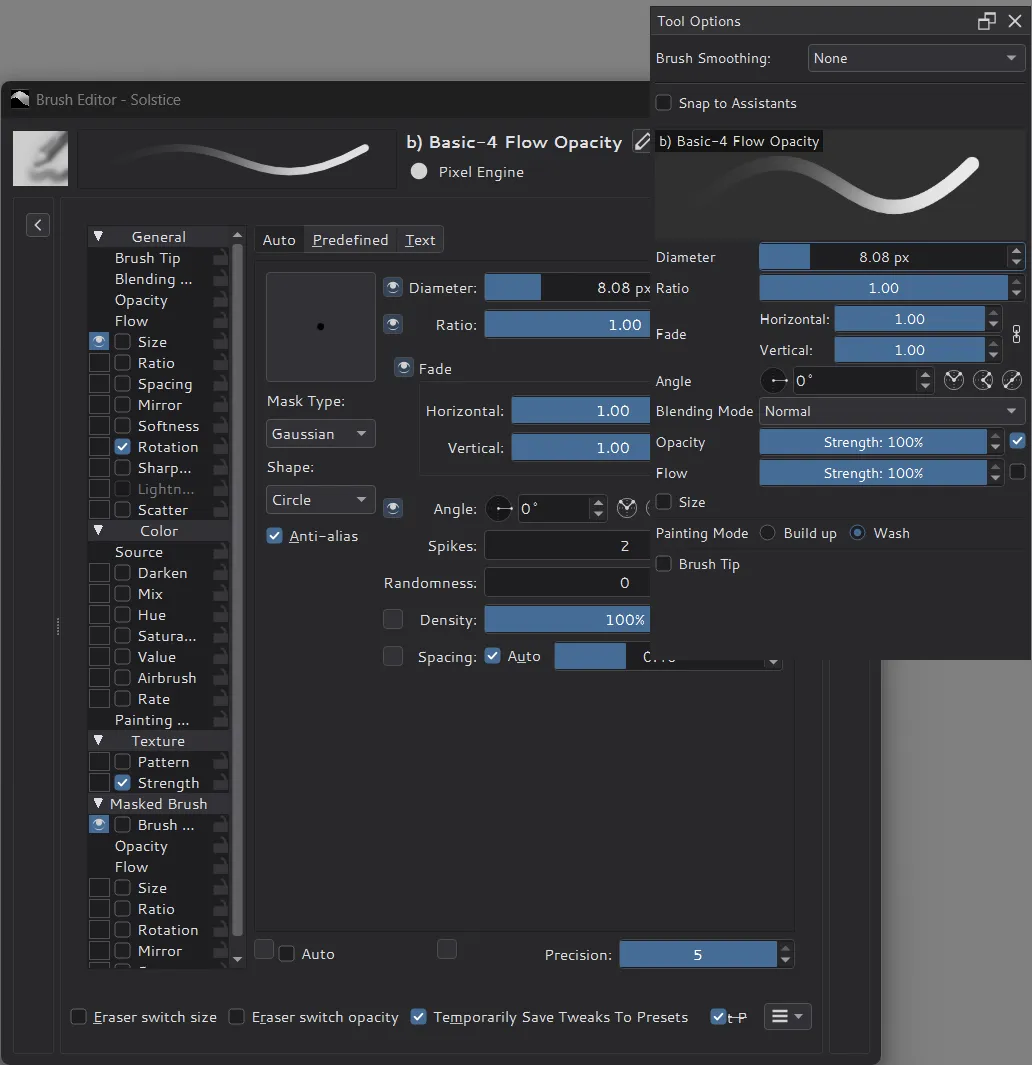
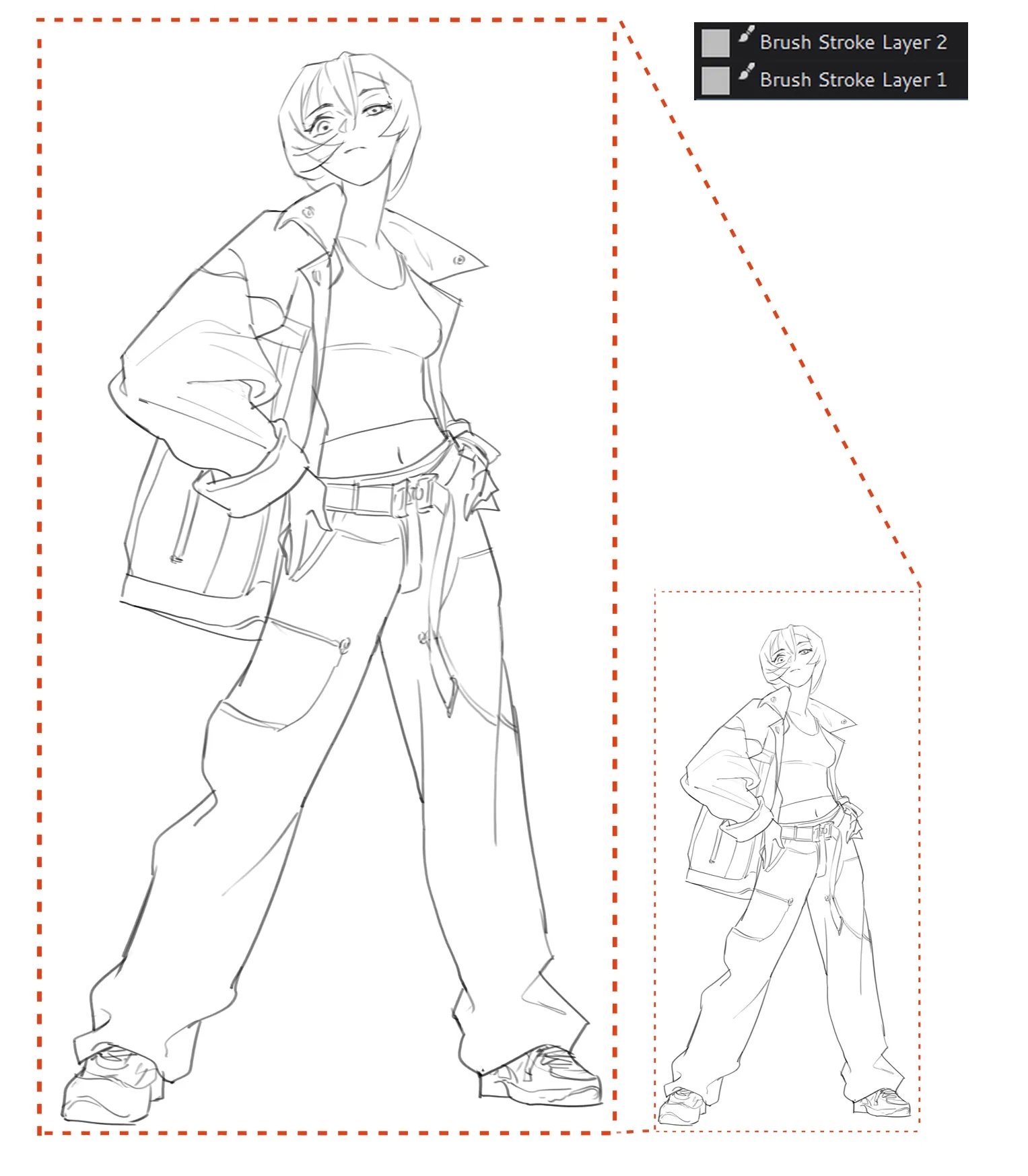
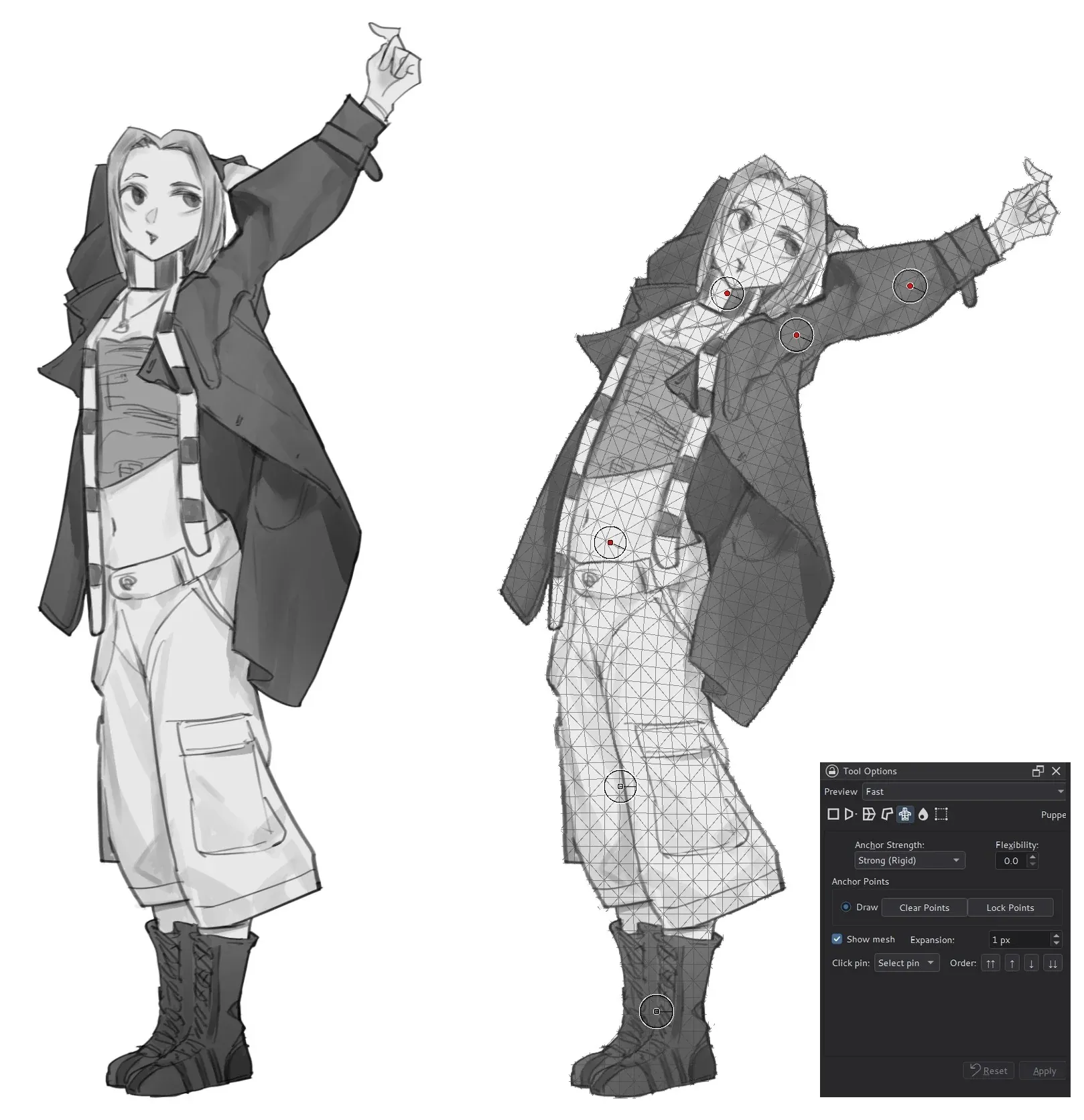
Brush Presets grouped by bundleBrush settings in Tool OptionsA Brush Stroke Layer, enlargedA figure reposed with Puppet Warp
04/GPU engineExperimental
Measured, with conditions.
The experimental engine composites supported RGBA32F and RGBA16F layers with Vulkan compute and shares the result with the OpenGL canvas. It is an ongoing rewrite, not a fully GPU-based painting pipeline.
On the GPU: layer compositing, the pixel brush in supported blend modes, and Transform, Liquify, Puppet Warp and Gaussian Blur on float layers.
Still on the CPU: dab and texture generation, masking, most filter calculations, and every unsupported operation.
Target hardware: NVIDIA Blackwell GPUs. Other architectures are not supported by this engine yet.
Engine operations, RGBA32F documentsCPUGPUShorter is faster · each row on its own scale
Resident full layer projection, 4096 × 4096, 16 layers4.4× faster
CPU 254 ms
GPU 58.2 ms
Canvas data preparation, 4096 × 4096, 8 layers640× faster
Measured on 2026-10-07 with an AMD Ryzen 9 9950X and an NVIDIA RTX PRO 6000 Blackwell (driver 596.86) using local development builds. Medians of three fresh processes, GPU completion included. These are specific engine operations, not frame rates or overall application performance; short complete strokes can still be slower on the GPU. Full results and limitations.
05/Get SolsticeFree · open source
Try it today.
Option 1 · Trial build
Windows x64 development builds
Unsigned ZIP packages from manual GitHub Actions runs. They expire after seven days and are not stable releases.
Solstice is derived from the Krita 6 codebase and is not affiliated with, endorsed by, sponsored by or supported by the Krita project or KDE. Please report Solstice issues tothe Solstice repository, not to Krita or KDE. Existing copyright notices and license terms remain applicable.